

RaskRask

Online Rask course

Rask Ultra AI Builders Course

<p>Understand AI without the hype, find practical uses for it and learn how modern websites, web apps and useful agents are put together. Follow optional Cloudflare and Google Cloud projects, then apply the ideas to something useful in your own work or life.</p>

Updated 2026

Rask Ultra AI Builders Course course artwork
Membership access
Beginner friendly
Fully online
10 modules
10 lessons
2 hr 13 min

Rask Ultra AI Builders Course overview

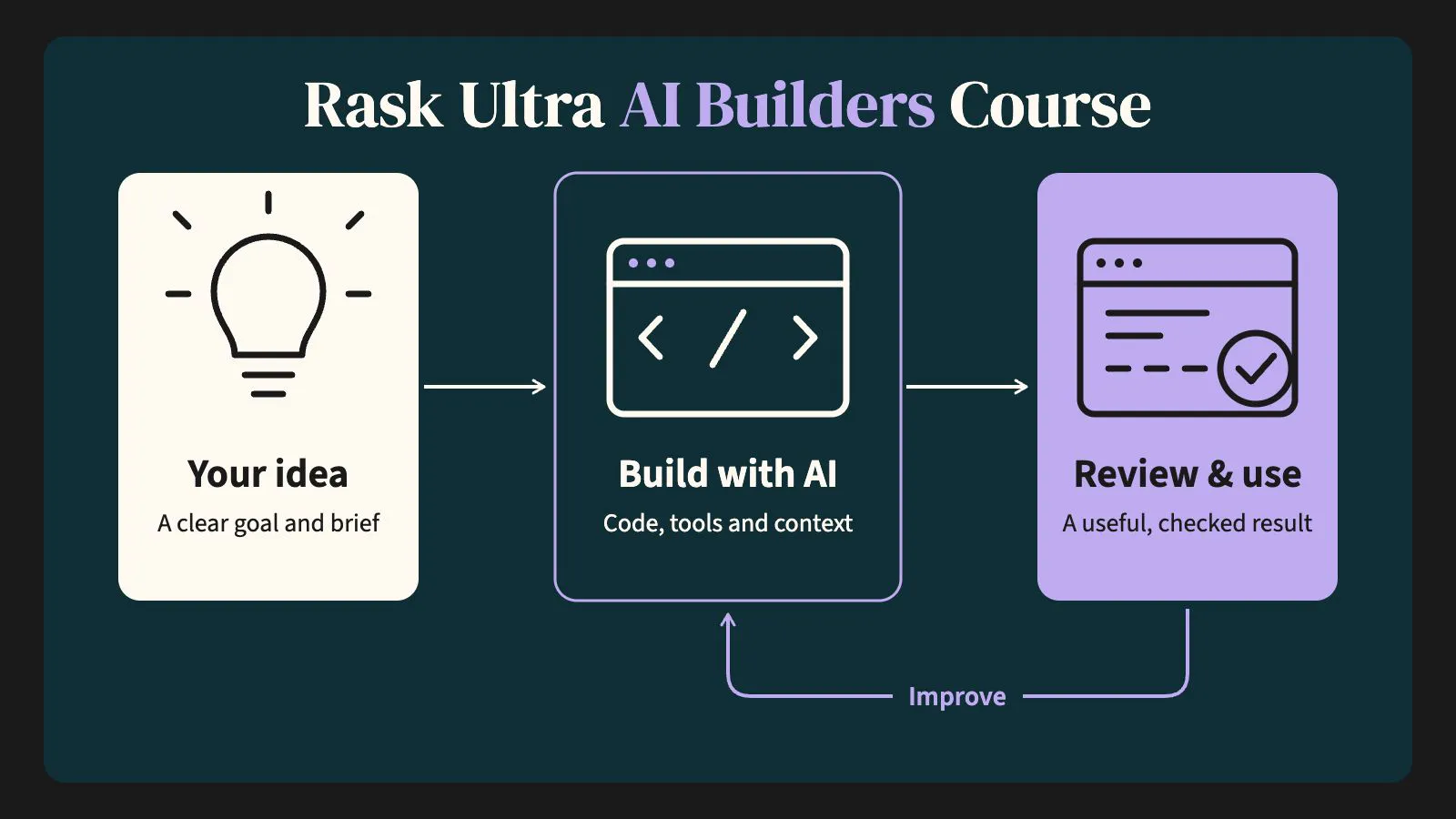
AI-curious? Know enough to be dangerous—or unsure where to begin? This practical, jargon-free course explains what AI is, how to use it well and how an idea becomes a useful website, web app or AI agent. No coding background is required.

What you’ll learn

  • What AI is—and what it is not.

  • How models, prompts, context, automations and agents work together.

  • How to choose useful, reasonably low-risk AI projects.

  • How websites, web apps, cloud services, APIs, Git and terminals fit together.

  • How to direct Codex or Claude and supervise the result.

  • How to design bounded agents that do real work with sensible approval points.

Building and deployment are optional. The written lessons stand alone, while the practical projects let you go further using your own accounts and ideas.

Rask Ultra only: the first lesson is available as a preview; the remaining lessons require an active Rask Ultra membership.

What you’ll learn

  • Explain common AI terms in plain language and distinguish a model, chatbot, automation and agent.
  • Give an AI system a clear brief, useful context, constraints and a review standard.
  • Identify a worthwhile, reasonably low-risk AI use case in your work or personal life.
  • Apply practical privacy, security, accuracy and human-oversight safeguards.
  • Explain how websites, web apps, cloud services, APIs, terminals and Git fit together.
  • Direct a coding agent and design a bounded agent that performs a useful task.

Course curriculum

Review the modules and lessons included in this course.

Enrol now
01AI without the jargon1 lesson · 10 min

Give the learner an accurate working model of AI before asking them to use or build with it.

You’ll learn: After this lesson, the learner should be able to explain the difference between AI, machine learning, generative AI, a large language model, a chatbot, an automation and an agent.

  1. AI without the jargonLesson · 10 min
02How AI produces useful work1 lesson · 12 min

Show learners how instructions, context, tools and review turn a general model into useful work.

You’ll learn: After this lesson, the learner should be able to structure a strong instruction, distinguish context from memory and recognise when a task needs a source or tool rather than a more elaborate prompt.

  1. How AI produces useful workLesson · 12 min
03Using AI productively1 lesson · 12 min

Move learners from occasional novelty use to repeatable, reviewable work.

You’ll learn: After this lesson, the learner should be able to choose an appropriate AI working pattern, improve a draft through focused iteration and create a small library of useful instructions.

  1. Using AI productivelyLesson · 12 min
04Finding something worth improving1 lesson · 12 min

Help learners choose a useful first project before they become distracted by tools.

You’ll learn: After this lesson, the learner should be able to map a workflow, distinguish assistance from automation and agency, and rank possible projects by value, feasibility and risk.

  1. Finding something worth improvingLesson · 12 min
05Using AI safely1 lesson · 15 min

Establish practical privacy, accuracy, security and accountability habits before learners connect tools or publish projects.

You’ll learn: After this lesson, the learner should be able to classify information before sharing it, choose proportional review controls and create a basic safe-use policy for a personal project or organisation.

  1. Using AI safelyLesson · 15 min
06The builder’s map1 lesson · 12 min

Give learners a durable mental model of how websites, web apps and connected services fit together.

You’ll learn: After this lesson, the learner should be able to describe the roles of a frontend, backend, database, API, cloud host, domain, DNS, authentication and secrets, and decide whether an idea needs a website or web app.

  1. The builder’s mapLesson · 12 min
07Terminal, Git and AI coding tools1 lesson · 15 min

Remove the mystery from the tools a coding agent uses and establish a safe way to supervise changes.

You’ll learn: After this lesson, the learner should be able to explain how the terminal, local files, Git and GitHub relate, and give a coding agent a bounded brief with appropriate checks.

  1. Terminal, Git and AI coding toolsLesson · 15 min
08Optional project: publish a website with Cloudflare1 lesson · 15 min

Give learners a visible, achievable first build and explain how local files become a live site.

You’ll learn: After this lesson, the learner should be able to brief a one-page website, review it locally, publish it through a Git-connected Cloudflare project and explain how to connect a domain.

  1. Optional project: publish a website with CloudflareLesson · 15 min
09Optional advanced project: deploy a web app with Google Cloud1 lesson · 15 min

Explain the additional responsibilities of an application and provide a controlled path to a basic Cloud Run deployment.

You’ll learn: After this lesson, the learner should be able to define a small web-app prototype, explain the purpose of Cloud Run and related Google Cloud services, brief a coding agent and deploy or observe a source deployment with appropriate cost and security controls.

  1. Optional advanced project: deploy a web app with Google CloudLesson · 15 min
10Build an agent that does something1 lesson · 15 min

Bring the course together by designing a bounded agent that performs a useful task and remains observable, reviewable and controlled.

You’ll learn: After this lesson, the learner should be able to distinguish an agent from a fixed automation, write an agent job description, select limited tools and permissions, define approval points and test the agent before expanding its autonomy.

  1. Build an agent that does somethingLesson · 15 min

Enrol in Rask Ultra AI Builders Course

Enrol now

Create your Rask account to see course access options.